5 Awesome AnythingLLM Alternatives
 Yulei Chen
AnythingLLM is an open-source, all-in-one AI application that lets you chat with your documents, build AI agents, and use RAG with virtually any LLM provider. It supports OpenAI, Anthropic, Ollama, and dozens more. The desktop app is completely free, and the cloud-hosted version starts at $50/month for a managed instance.
If you'd rather own your data and skip the cloud fees, you can self-host AnythingLLM on Sliplane for just €9/month with one-click deployment, persistent storage, and HTTPS included. Check out our easy deploy guide to get started in minutes.
But AnythingLLM might not be the perfect fit for every use case. Maybe you need visual workflow building, enterprise-grade knowledge search, or a more polished chat interface. Here are 5 awesome alternatives worth checking out.
1. Dify
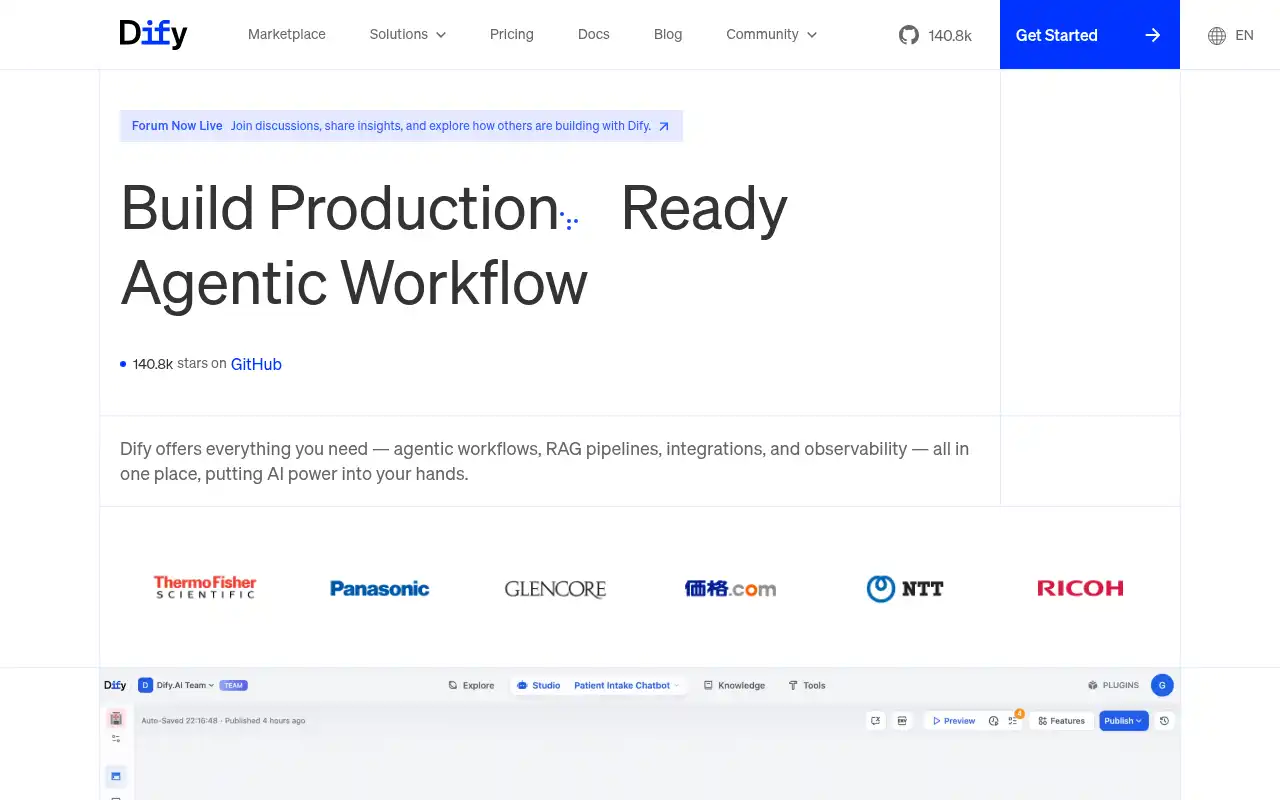
Dify is an open-source AI application development platform with over 90,000 GitHub stars. While AnythingLLM focuses on document chat and agents, Dify gives you a full visual workflow builder to create complex multi-step AI pipelines, RAG apps, and chatbots - all without writing code.
- Features: Visual drag-and-drop workflow builder, built-in RAG pipeline with document ingestion, agent builder with tool calling, support for 100+ LLM models, API deployment for any workflow, observability and monitoring, prompt engineering IDE
- Why You Should Use It: If you need to build full AI applications (not just chat with documents), Dify is the better choice. The visual workflow builder lets non-developers create and modify complex RAG pipelines, and every workflow can be deployed as a production API endpoint.
- Why Not: Dify is more complex than AnythingLLM and has a steeper learning curve. If all you need is simple document chat, it's overkill. The self-hosted setup requires Docker Compose with multiple services (API, web, database, Redis).
- Pricing: Free sandbox (200 messages/month, 10 apps). Professional at $59/month (5,000 messages, 50 apps). Team at $159/month (10,000 messages, 200 apps). Self-hosted Community Edition is completely free with no limits.
2. Open WebUI
Open WebUI is the most popular self-hosted AI chat interface with over 124,000 GitHub stars. It's a polished, feature-rich drop-in replacement for ChatGPT that integrates seamlessly with Ollama and any OpenAI-compatible API. If you already have our guide on self-hosting Open WebUI with Ollama, you know how easy it is to get started.
- Features: Seamless Ollama and OpenAI-compatible API integration, built-in RAG with 15+ search providers and 9+ vector databases, enterprise features (RBAC, SSO, LDAP) included for free, voice and video chat, native Python tool/function calling, MCP support, scheduled chat automations
- Why You Should Use It: If you want the best self-hosted ChatGPT replacement with deep Ollama integration, Open WebUI is the clear winner. It ships enterprise features like SSO and RBAC for free (unlike most competitors), and the UI is incredibly polished. Great for teams that want a familiar chat experience with local models.
- Why Not: Open WebUI is primarily a chat interface, not an application development platform. It doesn't have AnythingLLM's workspace-based document organization or the same breadth of embedding providers. The custom license (changed from BSD-3 in 2025) requires branding retention for 50+ users.
- Pricing: Self-hosted is completely free with all features. Cloud Pro at $19/month. Enterprise pricing on request. Self-hosting on Sliplane costs just €9/month.
3. LibreChat
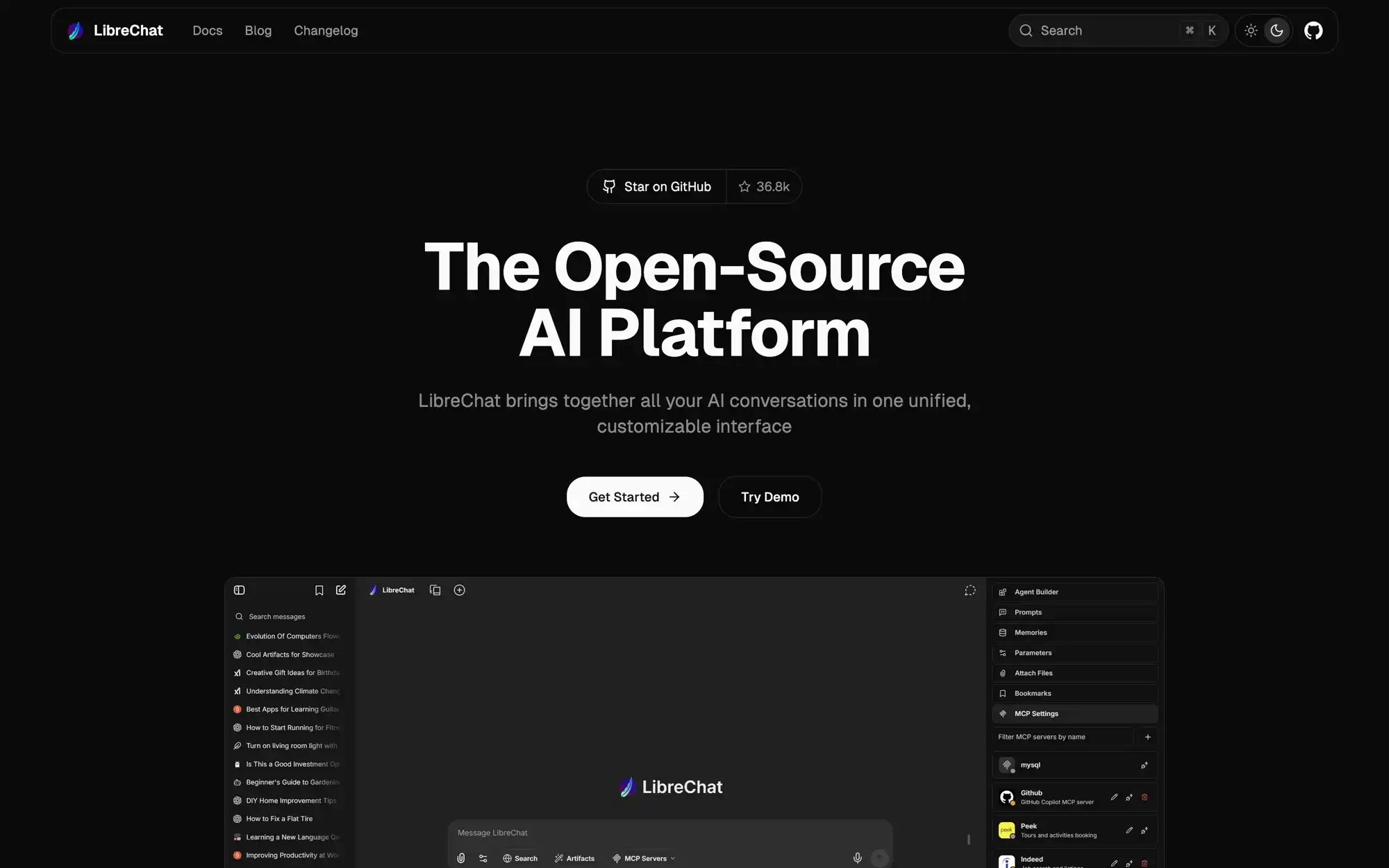
LibreChat is an open-source, MIT-licensed chat interface with over 36,000 GitHub stars. Its killer feature is multi-provider support: you can switch between OpenAI, Anthropic, Google, Azure, Groq, Ollama, and many more in a single conversation. Where AnythingLLM focuses on RAG, LibreChat focuses on being the best conversational interface across all models.
- Features: Multi-provider support in one UI (OpenAI, Anthropic, Google, Azure, Groq, Ollama, Mistral, OpenRouter), AI agents with MCP support, artifacts system for rich content, ChatGPT-like UI with conversation search and presets, enterprise auth (OAuth, Azure AD, AWS Cognito), OpenAI-compatible custom endpoints
- Why You Should Use It: If you regularly switch between different LLM providers and want a unified interface, LibreChat is the best choice. The MCP (Model Context Protocol) support connects it to a growing ecosystem of standardized tools. The MIT license guarantees it stays truly open source.
- Why Not: LibreChat doesn't have built-in RAG or document ingestion like AnythingLLM. You'll need external tools or plugins for document chat. The self-hosted setup requires MongoDB and Meilisearch, making it heavier than a simple single-container deployment.
- Pricing: Completely free and open source (MIT). You only pay for your own LLM API keys. The Code Interpreter is a separate premium feature. Managed hosting available through third parties starting around $14/month. Self-hosting on Sliplane costs €9/month.
4. Flowise
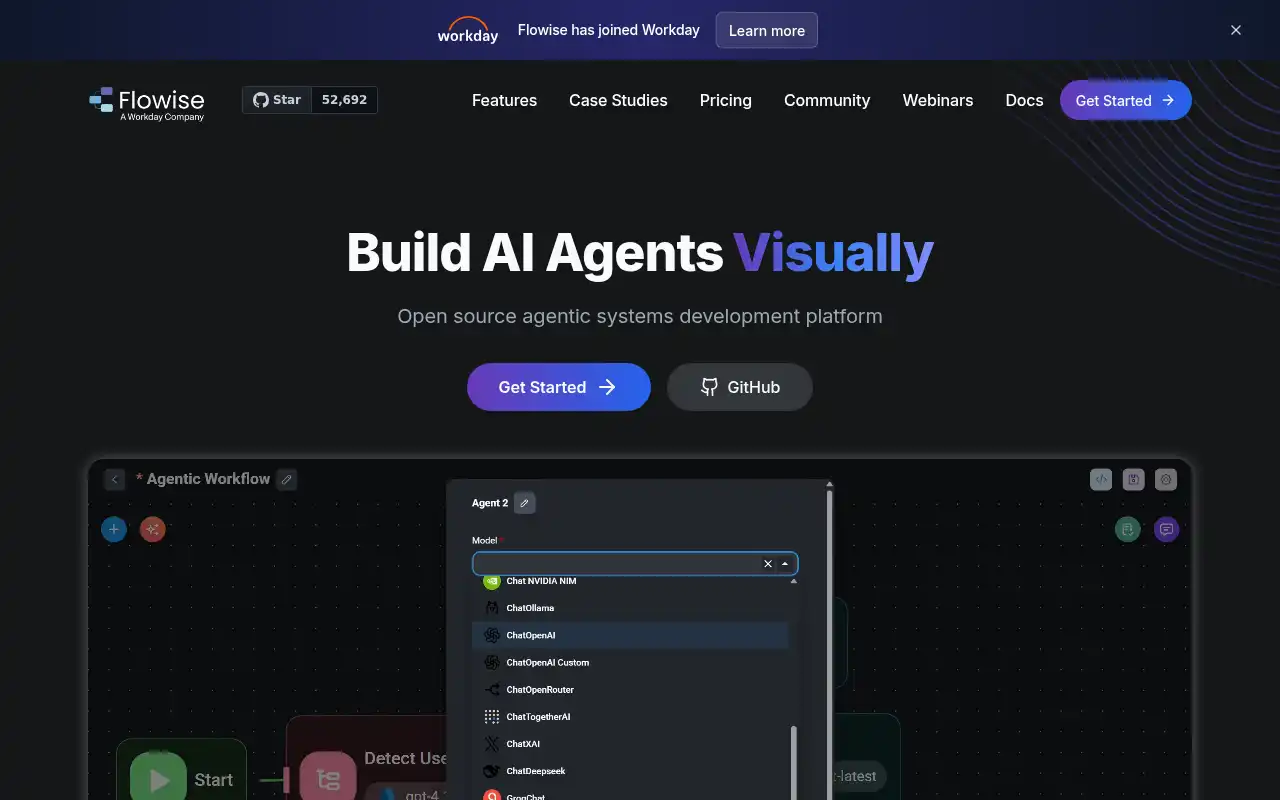
Flowise is an open-source, low-code AI workflow builder with over 37,000 GitHub stars. It lets you drag and drop LangChain and LlamaIndex components to build RAG pipelines, chatbots, and AI agents without writing code. If you're interested in the Flowise ecosystem, check out our post on Flowise alternatives.
- Features: Visual drag-and-drop builder for AI workflows, Agentflow for multi-agent orchestration, human-in-the-loop task review, 100+ integrations (LangChain, LlamaIndex, OpenAI, HuggingFace, vector DBs), full observability with execution traces and Prometheus, APIs and SDKs for TypeScript and Python, enterprise-ready with SSO and RBAC
- Why You Should Use It: If your team includes non-technical members who need to build and modify AI workflows, Flowise is the most accessible option. The visual canvas makes it easy to wire together prompts, memory, APIs, and vector databases without code. It's also great for rapid prototyping of RAG pipelines.
- Why Not: Flowise is a workflow builder, not a chat-with-documents tool. You need to design your flows before you can chat. The visual approach can become cluttered for very complex pipelines. It also has a smaller community than Dify or Open WebUI.
- Pricing: Free cloud tier (2 flows, 100 predictions/month). Starter at $35/month (unlimited flows, 10,000 predictions). Pro at $65/month (50,000 predictions). Self-hosted is completely free. Self-hosting on Sliplane costs €9/month.
5. Onyx
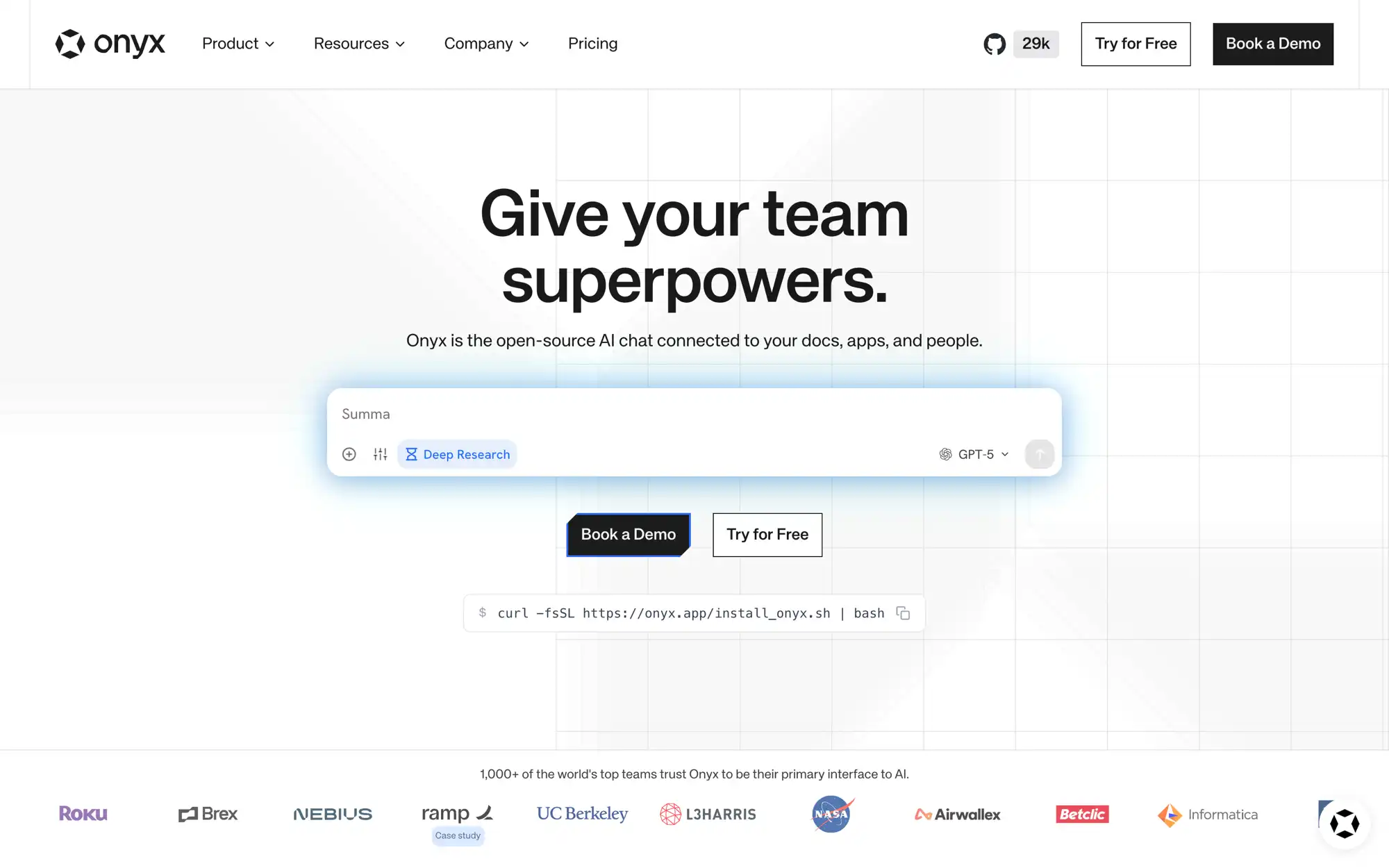
Onyx (formerly Danswer) is an open-source enterprise AI search platform. Unlike AnythingLLM where you manually upload documents, Onyx connects to 40+ tools your team already uses (Slack, Google Drive, Confluence, Notion, GitHub, Salesforce) and makes everything searchable with natural language. It's used by companies like Netflix and Ramp.
- Features: 40+ enterprise connectors (Slack, Google Drive, Confluence, Notion, Salesforce, GitHub), natural language search across all connected sources, permission-aware retrieval that mirrors user access, Deep Research for multi-step investigation, custom AI agents with MCP/OpenAPI actions, SSO (OIDC/SAML/OAuth2) and RBAC, scales to tens of millions of documents
- Why You Should Use It: If your organization's knowledge is scattered across Slack, Google Drive, Confluence, and other tools, Onyx is the best choice. Instead of re-uploading files into a separate system, it indexes your existing knowledge bases and respects existing access permissions. Great for enterprise teams that want AI-powered search without changing their workflows.
- Why Not: Onyx is built for enterprise search, not personal use. The setup requires Docker Compose with multiple services (API, web, Postgres, Vespa). It's heavier than AnythingLLM and doesn't support as many LLM providers out of the box. The focus on connectors means it's less useful if you just want to chat with a few PDFs.
- Pricing: Community Edition is fully free (MIT license). Cloud Business at $20/user/month (14-day free trial). Enterprise with custom pricing for SSO, on-premise, and dedicated support. Self-hosting on Sliplane starts at €9/month.
Conclusion
| Tool | Best For | Ease of Setup | Focus | Cloud Pricing |
|---|---|---|---|---|
| AnythingLLM | All-in-one document chat + agents | Very Easy | RAG + agents from $50/mo | $50-99/mo |
| Dify | Building full AI apps with workflows | Moderate | AI app platform from $59/mo | Free-$159/mo |
| Open WebUI | ChatGPT replacement with Ollama | Easy | Chat interface from $19/mo | Free-$19/mo |
| LibreChat | Multi-provider chat | Moderate | Multi-model chat, free (BYOK) | Free |
| Flowise | No-code AI workflow building | Easy | Visual builder from $35/mo | Free-$65/mo |
| Onyx | Enterprise knowledge search | Complex | AI search from $20/user/mo | $20/user/mo |
Each tool fills a different gap: Dify for building AI applications with visual workflows, Open WebUI for a polished ChatGPT-like experience with local models, LibreChat for seamless multi-provider conversations, Flowise for no-code AI pipeline building, and Onyx for enterprise knowledge search across your existing tools.
AnythingLLM remains a fantastic all-in-one choice, especially if you want simple document chat with RAG and agents in a single container. But if your needs lean more toward visual workflow building, enterprise search, or a dedicated chat interface, one of these alternatives might be a better fit.
If you want to get started with AnythingLLM or any of these alternatives, check out these guides: